

LOOPRAN is an Ae script designed for creating infinite physical random animations. It comes with a convenient launcher feature that allows you to execute 35 different functions with a single click, ranging from creating compositions to applying animations. Moreover, you can streamline your workflow by customizing over 40 different settings for ease of use.
With just one click, create infinite physical random animations.
BOUNCE | BOUNCE REFLECT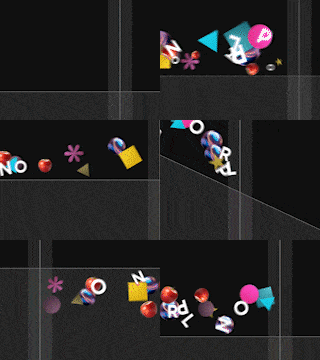 |
FALL | TOSS UP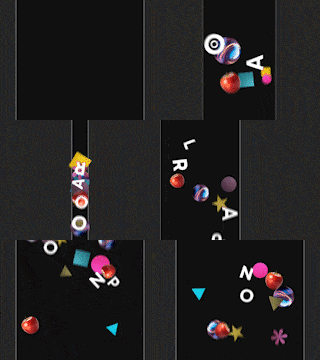 |
SIDE TOSS | SIDE TOSS REFLECT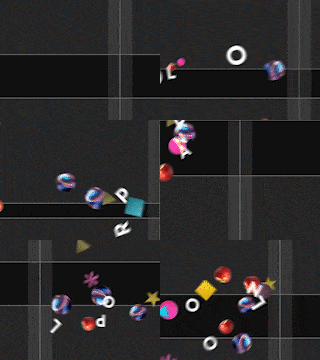 |
WAVE | ZERO GRAVITY |
LOOPRAN can create 8 types of infinite physical random animations with a single click.
Each cycle randomly repeats different animation patterns, so there’s no need to spend time creating patterns.
Of course, you can also specify the number of repetitions.
With just one click, create compositions and layers.
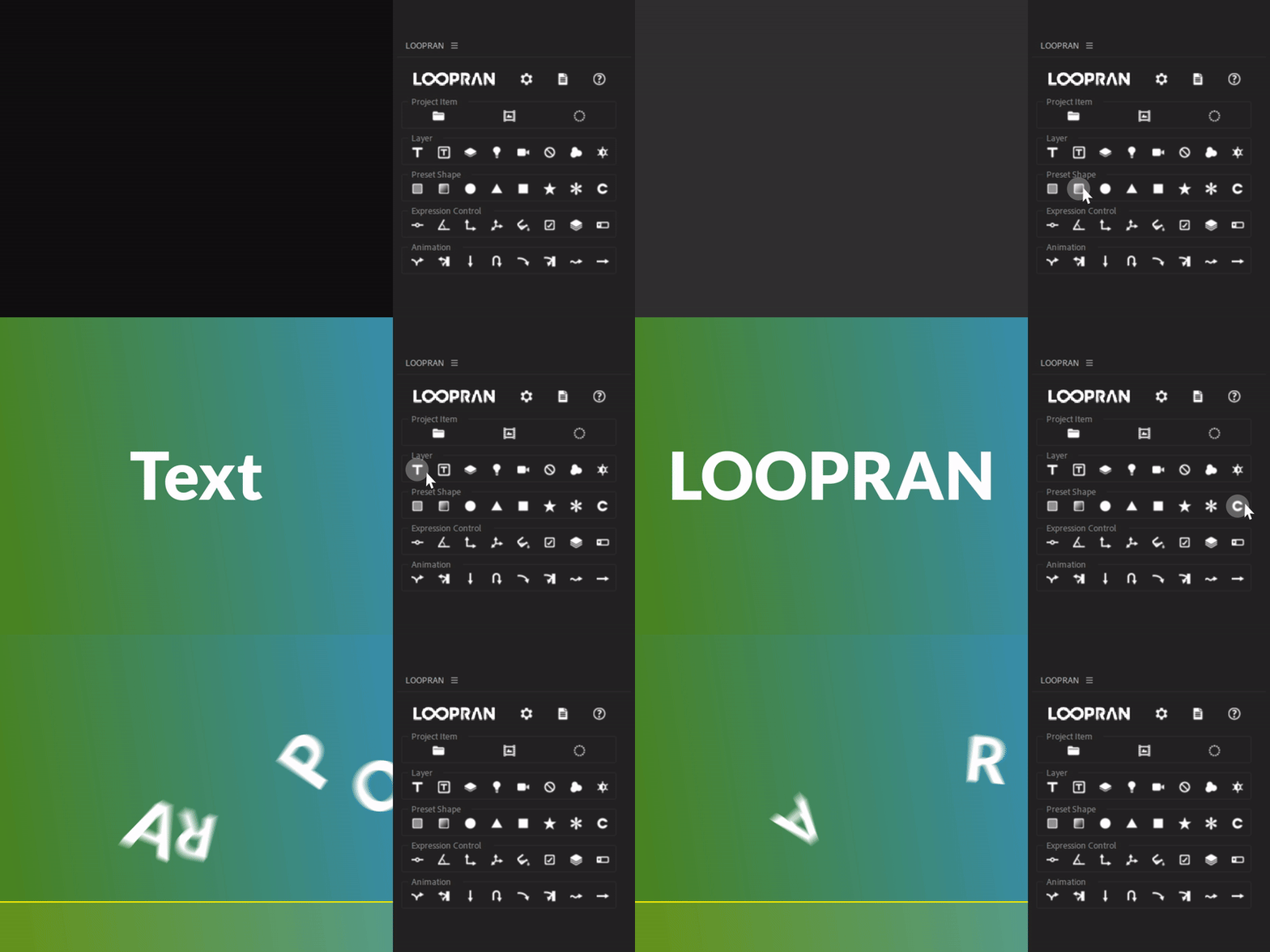
Equipped with a convenient launcher feature that allows you to execute 35 different functions with a single click, including creating compositions and preset shapes.
From launching After Effects to creating animations with backgrounds, it can be achieved in as few as four clicks.
Free to create both vertical and horizontal video patterns.
横型動画 | 縦型動画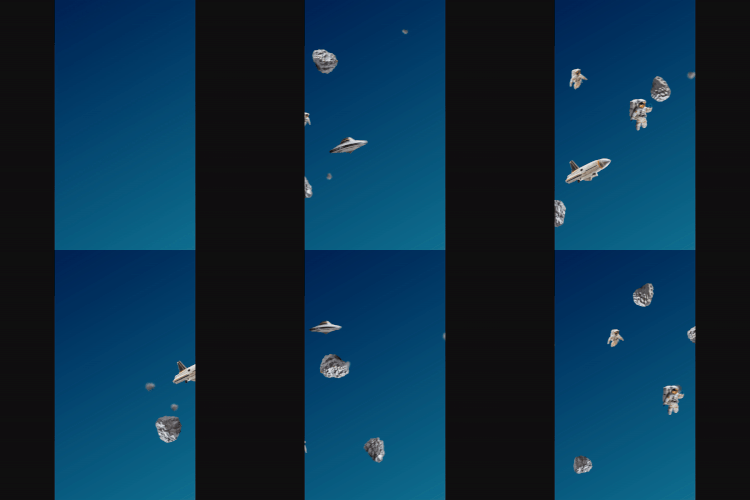 |
LOOPRAN supports changing composition sizes, making it easy to create both vertical and horizontal video patterns.
Simply change the composition size, adjust the animation settings as needed, and you’re done.
Pattern deployment can be completed in no time.
Both gradients and shape colors can be set to random.
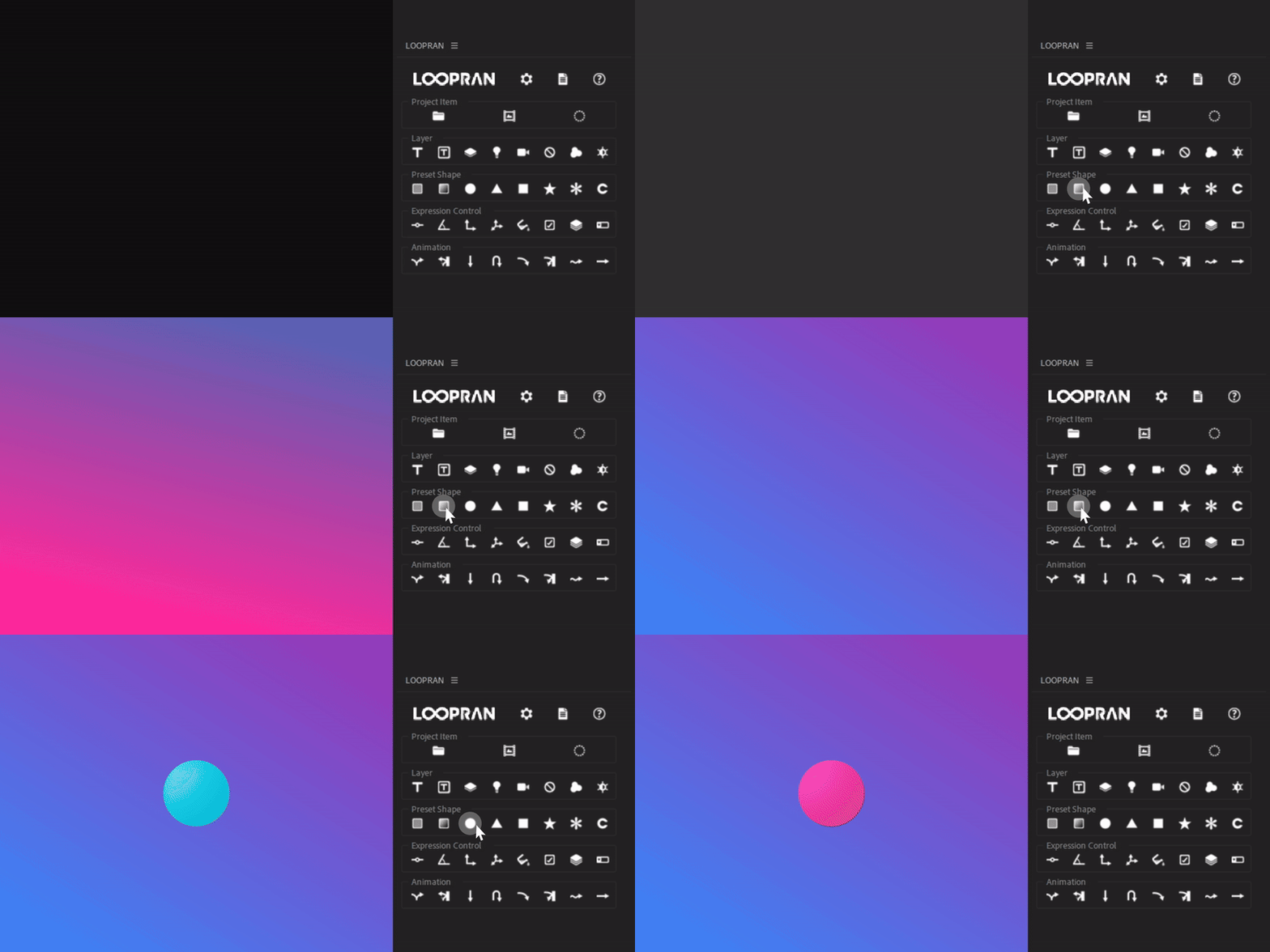
Gradients can be randomly generated in over 281 trillion patterns. You can freely specify the start color, end color, angle, and type.
The colors of solid layers and shapes can also be randomly generated. You can repeatedly regenerate the color by holding down the button until you get a color you like.
Control your animations with ease.
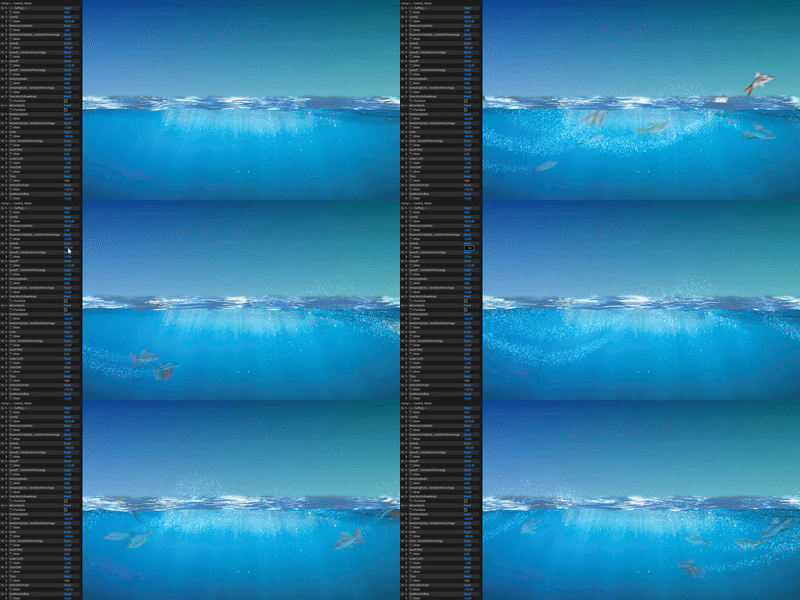
While LOOPRAN allows you to apply animations with a single click, you can customize the movements with over 20 different settings.
You can fine-tune the details of the animation, from gravity and speed to the number of repetitions and playback time.
Making LOOPRAN easier to use and more comfortable.
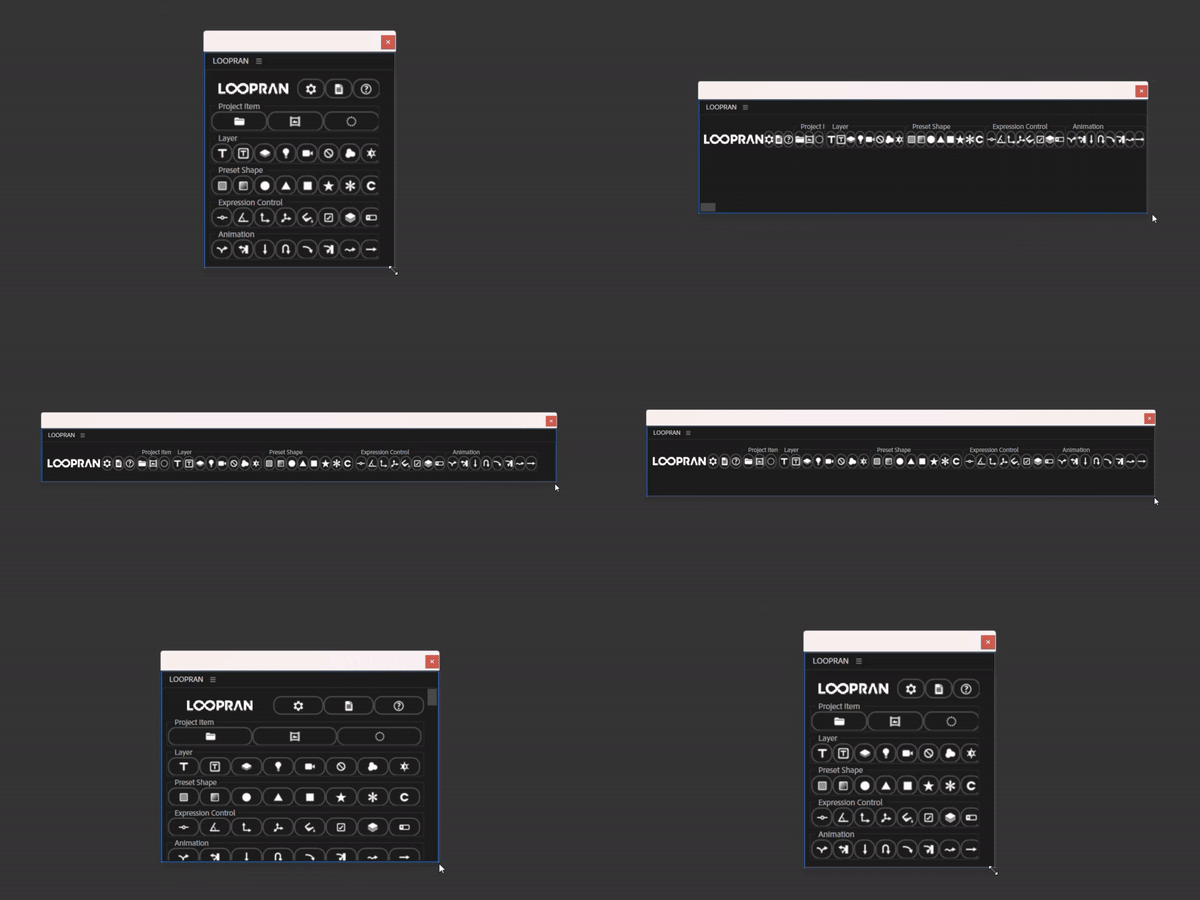
LOOPRAN automatically adjusts its layout according to the window size, allowing you to place it wherever you like.
Additionally, with over 40 settings, you can customize it to be more user-friendly, from hiding unused features to adjusting the button hold time.
Set the anchor point of the text layer to the center.
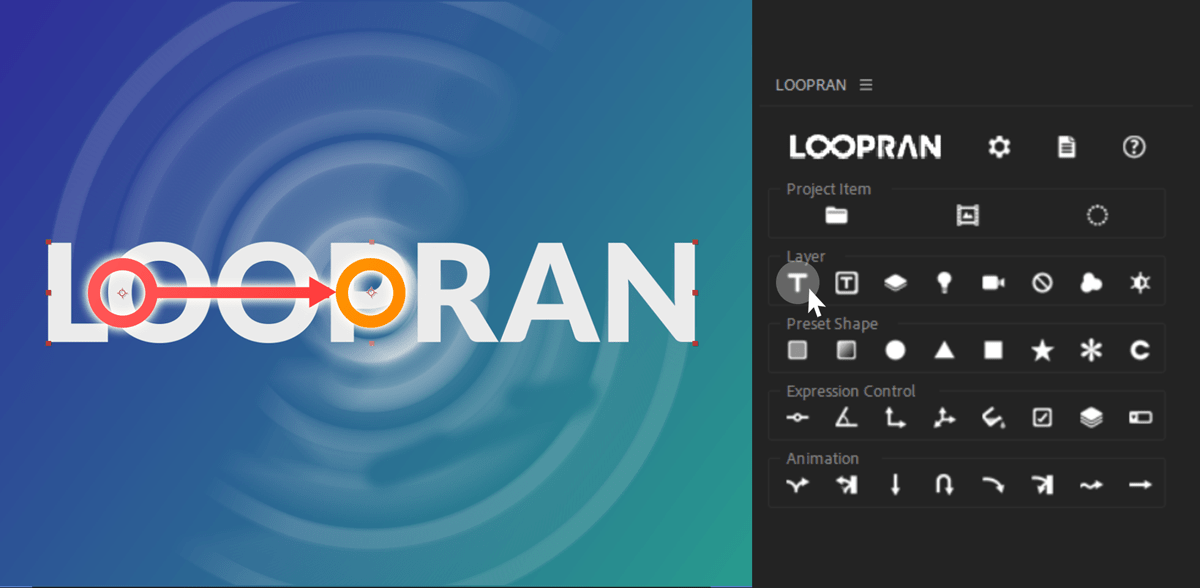
Even if you adjust the anchor point of a text layer to the center, it may shift every time you change the text.
In LOOPRAN, you can easily move the anchor point to the center by simply holding down the text layer creation button.
Place the created layer at the selected position.
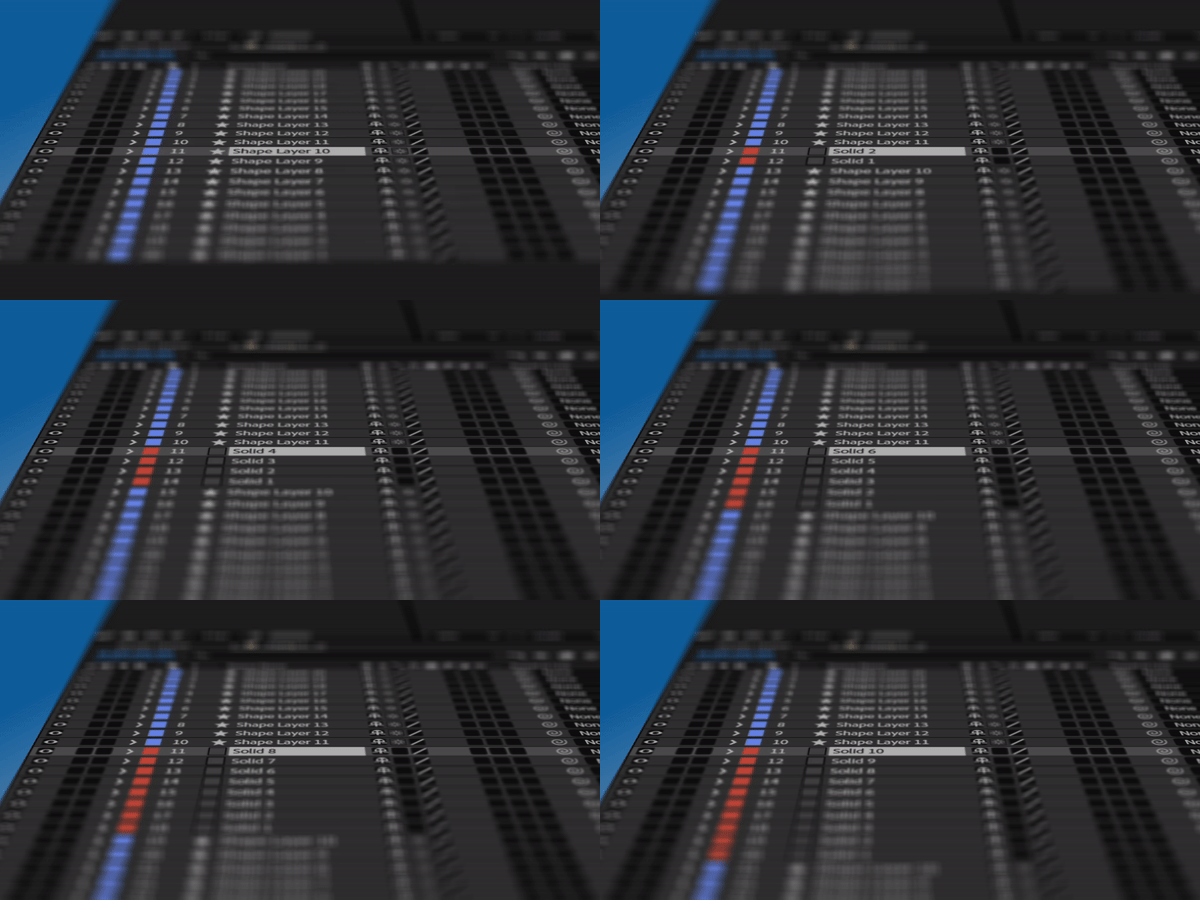
When you create a layer in LOOPRAN, it is created at the selected position.
This saves you the step of moving the layer from the top of the composition to the selected position, making your workflow more efficient.
Create substitute shapes for solid layers.
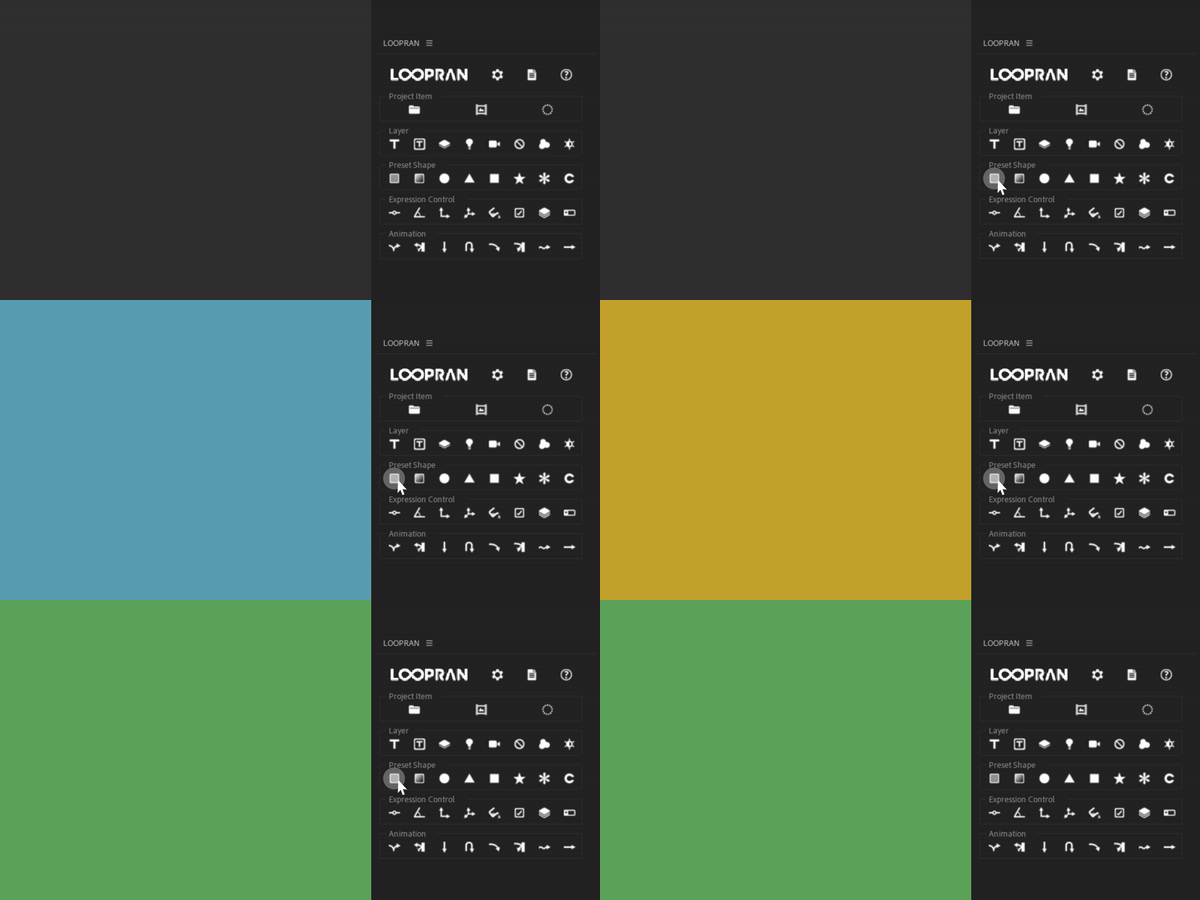
To facilitate importing between projects, using shape layers instead of solid layers can be cumbersome to create each time.
With LOOPRAN’s fill shape feature, you can create substitute layers for solid layers with a single click, significantly improving your workflow efficiency.
Change values in one place.
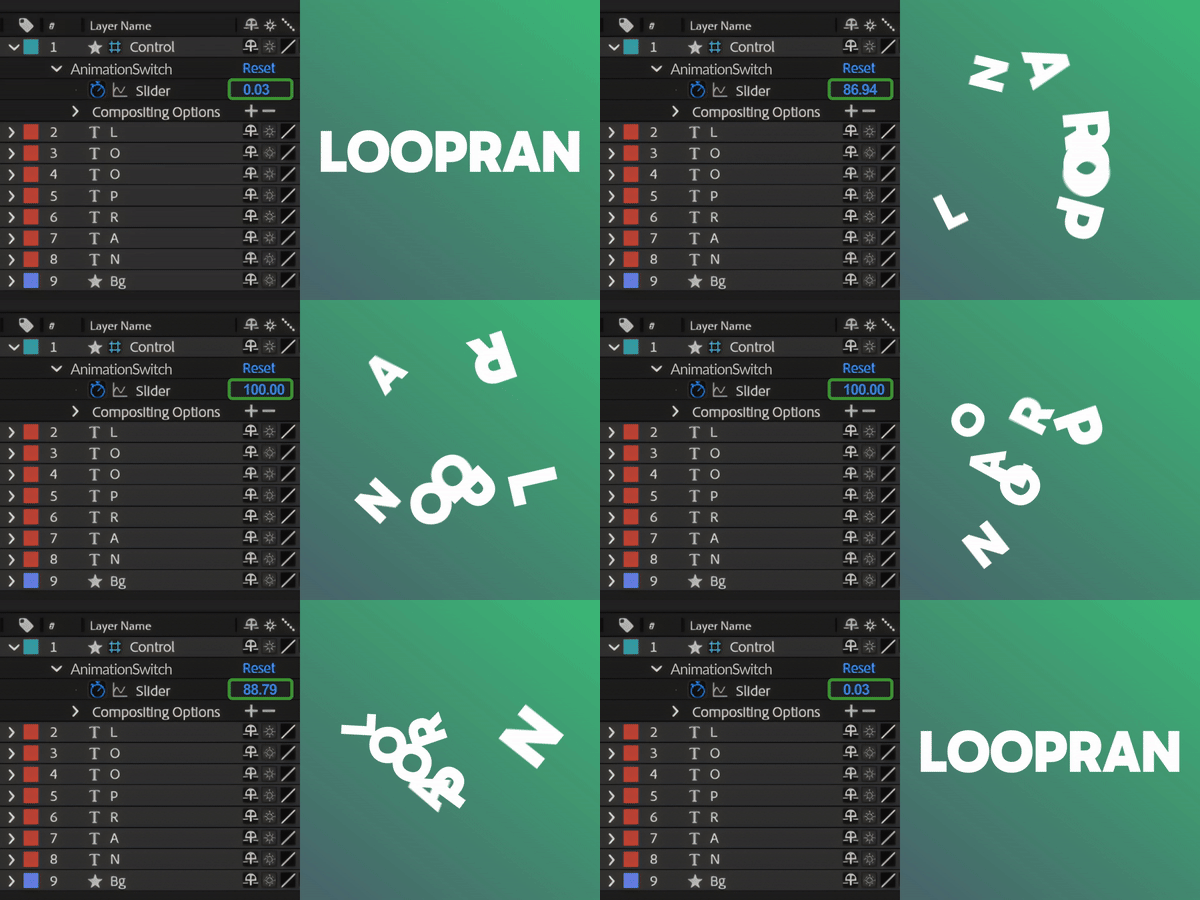
You can create a Control layer with a single click to control properties within a composition from one location.
Additionally, expression controls can be created at the selected position, allowing for efficient management of properties.